Settings
Preferences
Theme, UI scale, notifications, queue, preview, and distributed options.
Open Settings from the header to adjust how Eclipse looks and behaves on this machine.
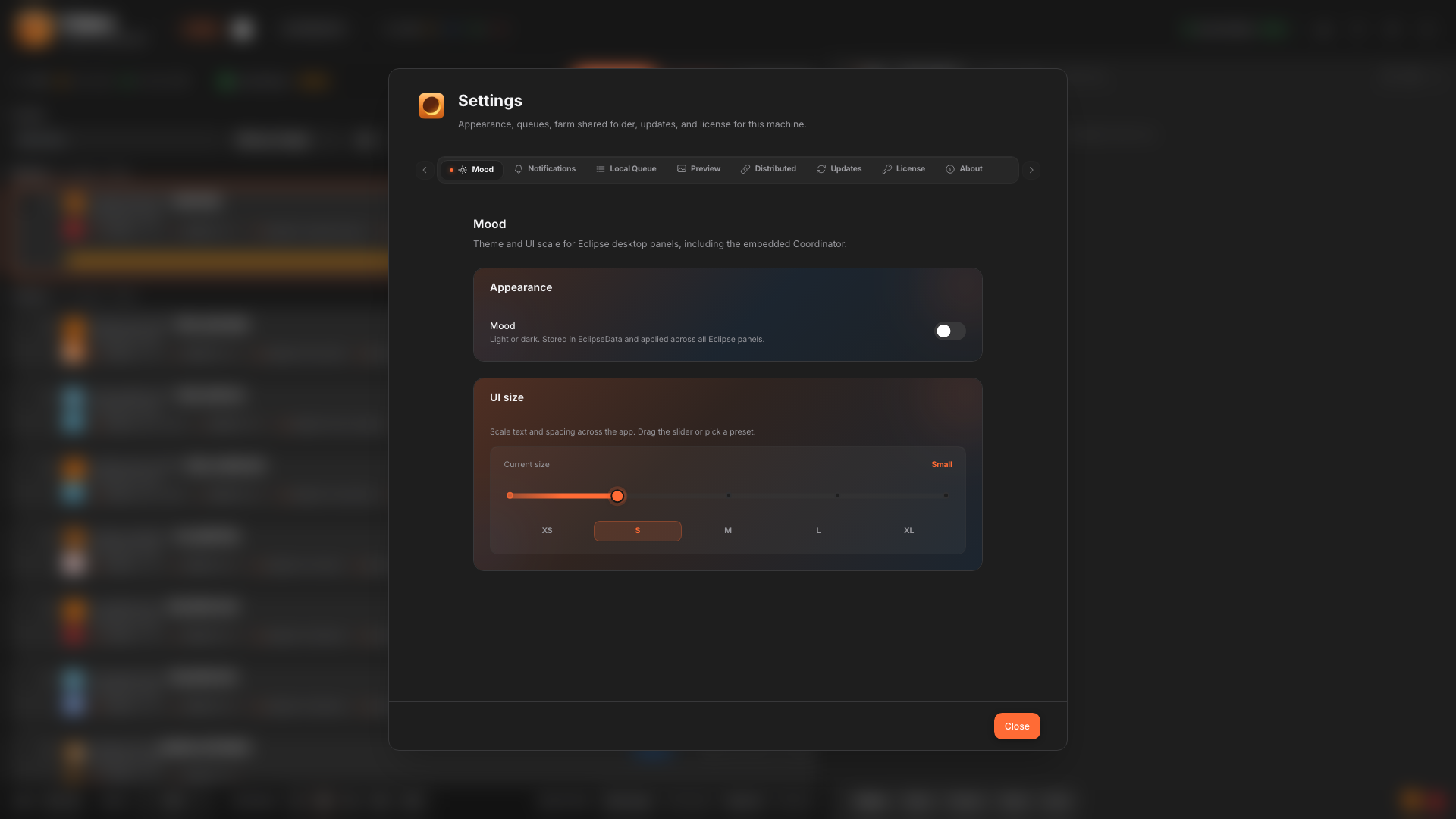
Common sections
- Appearance: theme (mood) and UI scale.
- Notifications: desktop or in-app alerts when jobs finish or fail.
- Local Queue: defaults for spooling and queue behavior.
- Preview: viewer-related options.
- Distributed: coordinator URL, scheduling defaults, package sync helpers.