Integrations
Local capabilities
Verify DCC and renderer paths on this machine.
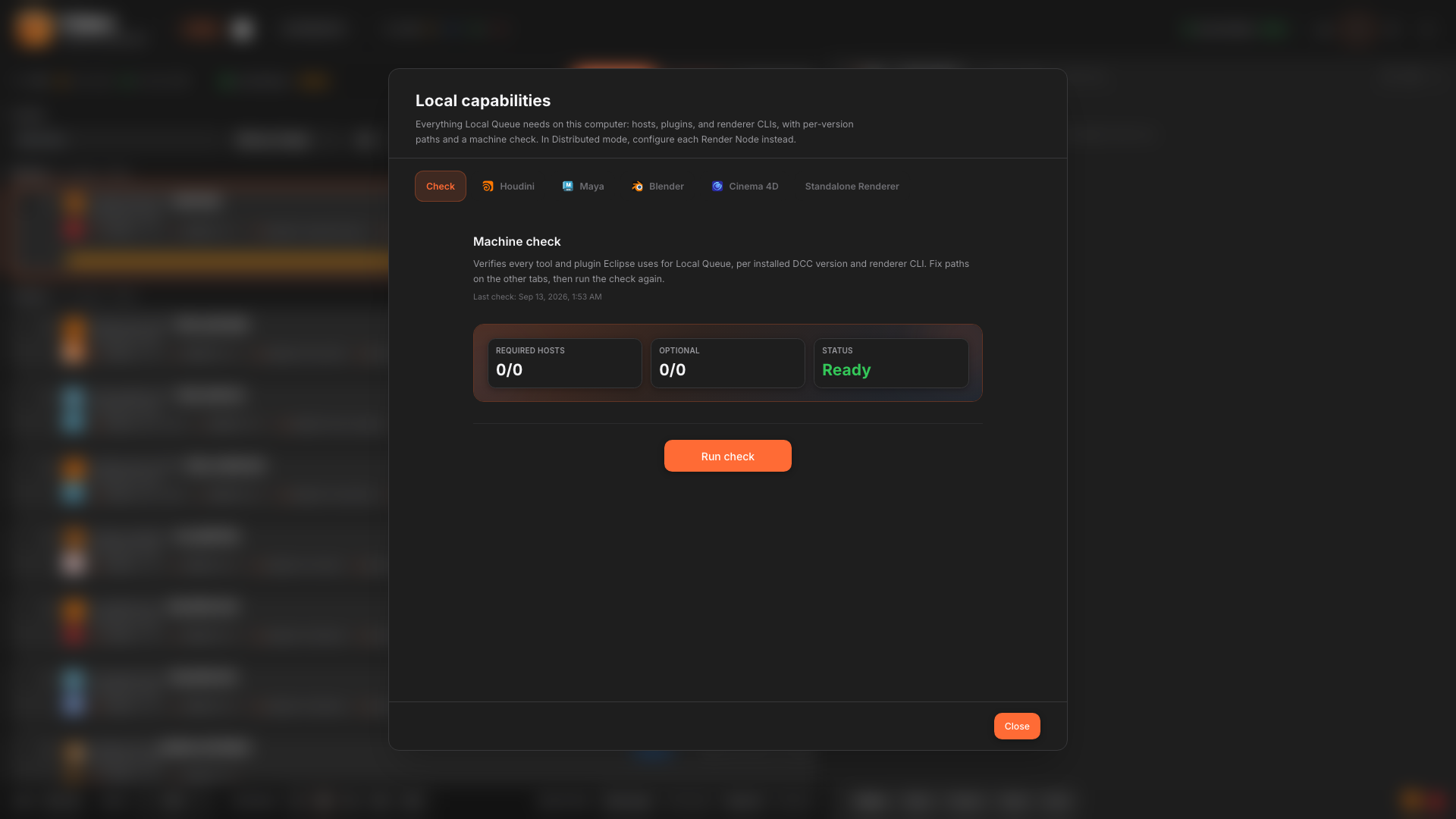
Local capabilities shows which DCCs and renderers Eclipse can see on this workstation: install paths, plugin slots, and standalone renderer locations.
When to use it
- After installing a new DCC or renderer.
- When submit fails with an executable-not-found style error.
- Before Standalone Renderer submits (confirm redshiftCmdLine, kick, V-Ray standalone, Octane, and similar CLIs).
- To align farm nodes with the same tool versions as artists.
Open it from the header Local capabilities control. Fix missing paths, then rescan or restart as prompted.