Distributed rendering
Render Node
Run the Eclipse Render Node worker on farm machines.
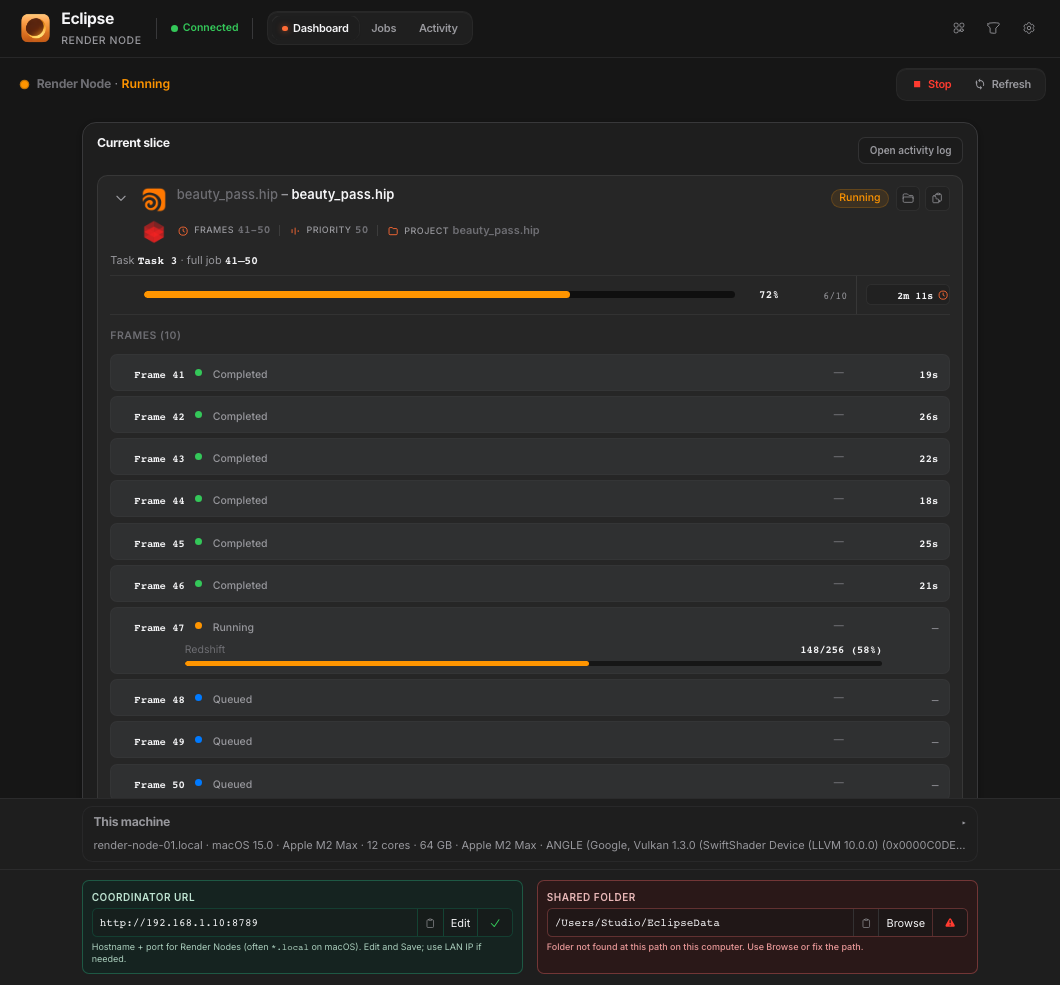
Render Node is the worker process that connects to the coordinator, reports hardware, and claims slices. Install it on every machine that should render, including optional GPU-split slots on multi-GPU boxes.
Checklist
- Install matching DCC/renderer versions needed by your jobs.
- Mount the same project storage as artists.
- Enter the coordinator URL and confirm heartbeat in Network Map.
- Leave scheduling Active when the machine should accept work.