Interface
Logs panel
Read verbose, Eclipse, progress, output, and issues logs for a job.
The Logs tab on the right panel streams or loads log text for the selected job. Use it to diagnose missing textures, license errors, and engine failures.
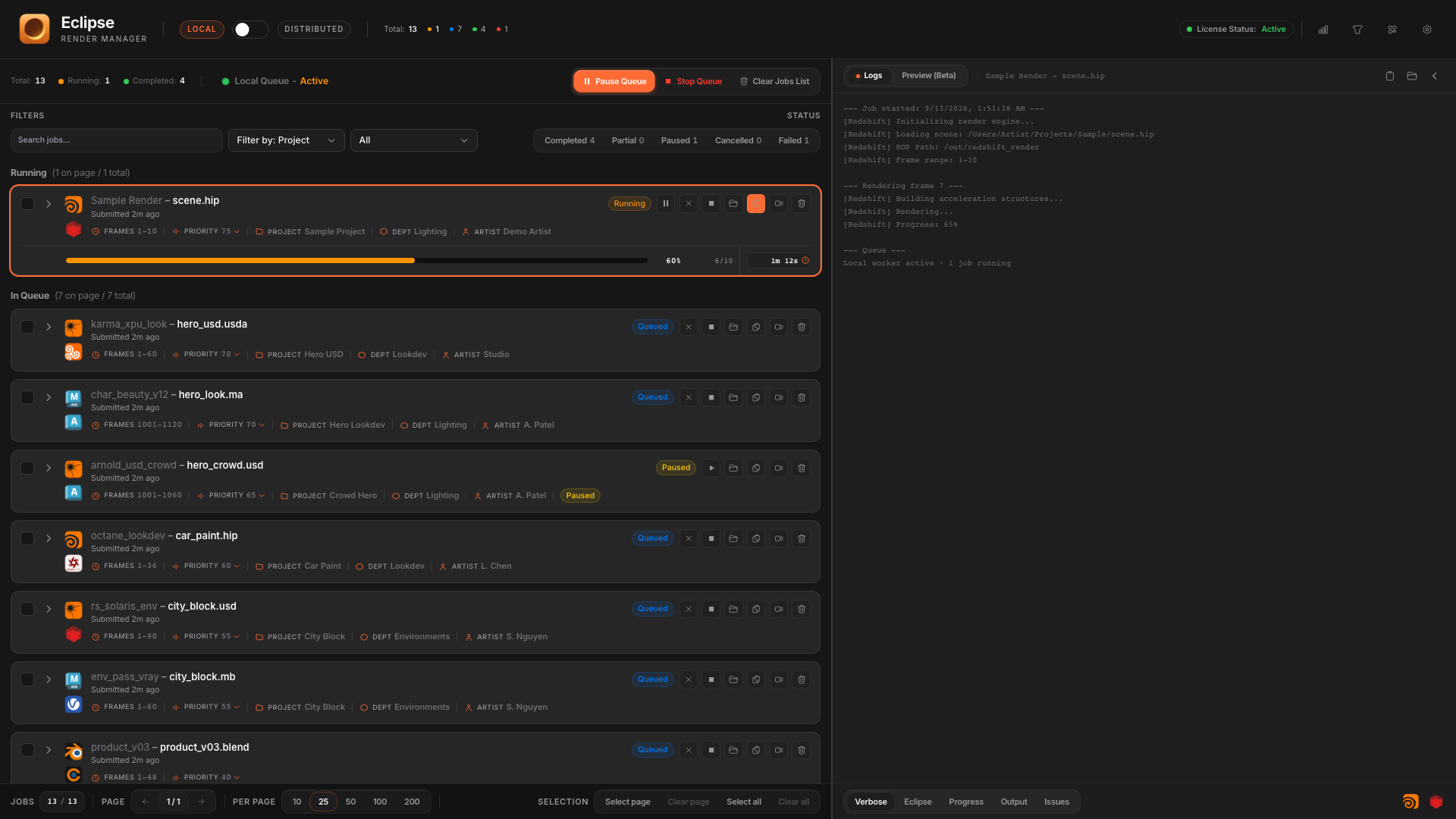
Log views
- Verbose: full engine and worker chatter.
- Eclipse: product-level messages.
- Progress: frame and percent oriented lines.
- Output: paths and write confirmations when available.
- Issues: errors and warnings surfaced for quicker scanning.
Actions
- Copy logs to the clipboard.
- Open the log folder on disk.
- Hide panel when you need more space for the queue.
Related